


When you know what you want to author, that will determine how you will gather the content.
It will require fresh inspiration
It may require gathering from your existing content.
It will require making research
The aforementioned needs to be established before we now look at the technicalities involved in authoring.
Some things to note...
1. Niche – Area of strength/ministry
Young People – Relationship, Academics, Purpose, Leadership, Bible teaching
Women – Wives, mothers, money, overcoming abuse, marriage, etc
Ministers – Marriage, Bible school, Refresher programmes, Money, evangelism etc
Business – educators, entrepreneurs, business owners, etc,.
2. Goal and Clarity
Clarity - How youths can maximise their days and become useful to God
Clarity - I want authors to have knowledge as to how they can self-publish their works
Goal - This will help them achieve……………….(what will the above help them achieve? What problem will it solve?
You can write out in a statement format
3. Needed and relevant
What you are led to do will always be needed and relevant – This is the message. The message is needed…this will move you into the book title and will determine the content.
4. Communicated effectively
Speak the language of the people that you are reaching. The Bible is presented in different genres - songs, poems, parables (storytelling), letters, non-fiction (teaching) etc. The tone matters a lot. The style of writing has to appeal to your audience. The message you are carrying is precious. Therefore, it demands that it is correctly presented too.
5. Basic content of your book
a. Title
b. Copyright & ISBN
c. Dedication
d. Acknowledgment
e. Foreword
f. Preface
g. Chapters
h. Sub-chapters
i. References
j. About the author
Every Christian author needs is to be acquainted with these five things.
a. Why should I author a book?
b. Where can I get content?
c. How to get published on time
d. The steps involved in publishing
e. How to earn
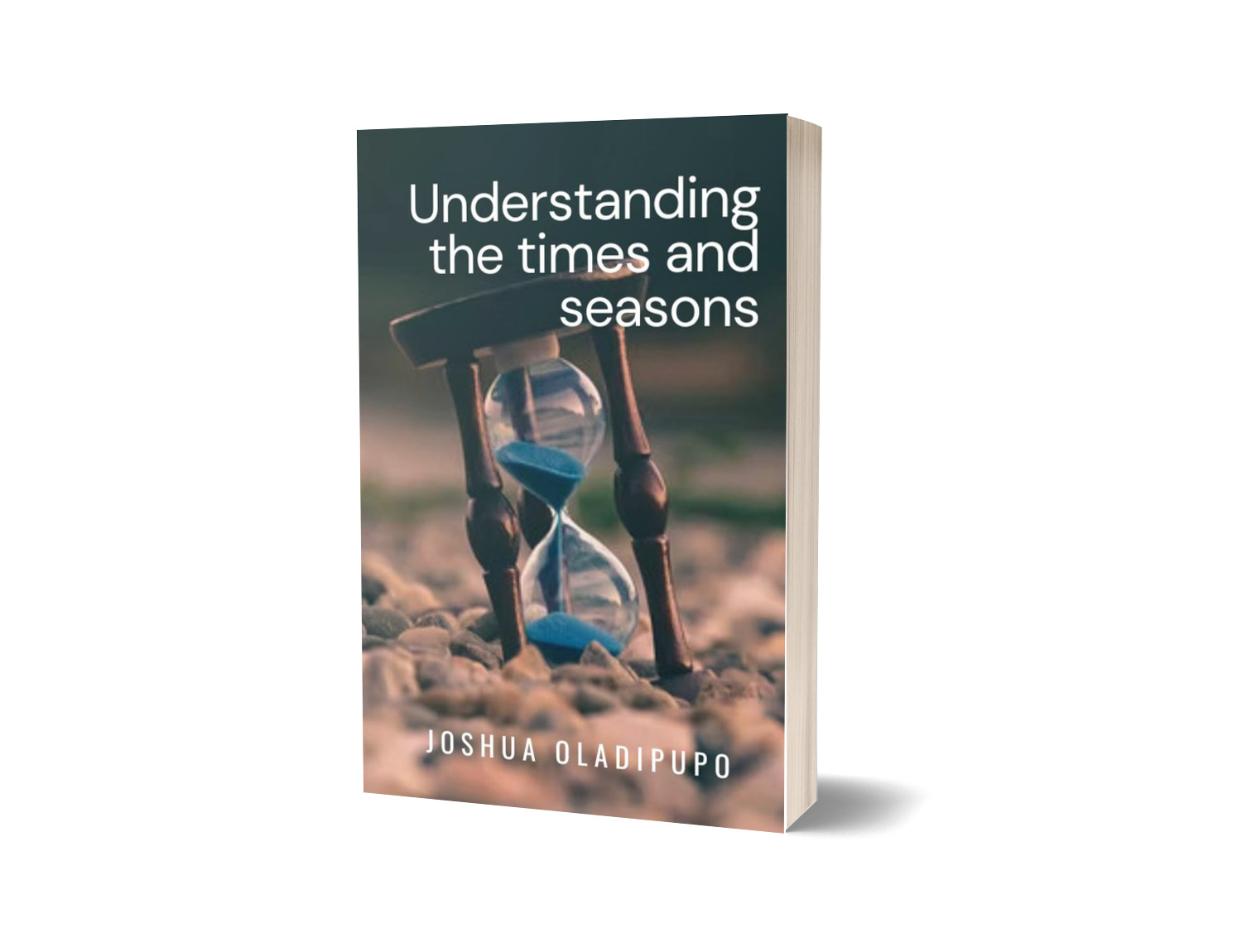
I have published a book that answers these questions
Download it for free here: https://selar.co/self-publish
The writing process
Get a writing space
Title and subtitle selection
Brain dump – outline all your thoughts about what your book should entail on a sheet of paper. This will help you to develop the chapters of the book.
Mind mapping – from the brain dumping exercise, map connecting concepts together and this will help you to determine the content of each chapter of the book.
Research
Actual writing with feasible and flexible deadlines
Editing and proofreading
BONUS:
How to upload your book on Amazon KDP
Amazon Kindle Direct Publishing offers you the opportunity to self-publish eBooks and paperbacks for free with Kindle Direct Publishing. This will help you to reach millions of readers on Amazon.
It helps you to get to market fast. Publishing takes less than 5 minutes and your book appears on Kindle stores worldwide within 24-48 hours.
You are also able to make more money.
Earn up to 70% royalty on sales to customers in the US, Canada, UK, Germany, India, France, Italy, Spain, Japan, Brazil, Mexico.
Keep control of your rights and set your own list prices. Make changes to your books at any time.
Publish in digital and print. Publish Kindle eBooks and paperbacks for free on KDP.
Updating your account
🎯Business type –
🎯Individual (You can use this if you are an author)
🎯Date of birth
🎯Getting paid – there are two options available. You can use a US Bank account or ask that cheques be sent to you.
🎯Tax info – Carefully fill in the form as requested.
Create
The creation process for eBooks involves three steps.
1. Ebook details
2. Ebook content
3. Ebook pricing
You can watch these videos for step-by-step guidance on uploading your ebooks to Amazon KDP
Amazon video 1
https://drive.google.com/file/d/1IrRbCX-KCKdiyQKuXRzwhPPtwo9-3wid/view?usp=drivesdk
Amazon video 2
https://drive.google.com/file/d/1PAFds_xXfw4C33m7qOtee2UaGK9o_a4t/view?usp=sharing
Amazon video 3
https://drive.google.com/file/d/1NtURJHzNtbqEt6UDAydtGwSGhR3PptWZ/view?usp=drivesdk
Amazon video 4
https://drive.google.com/file/d/1Gj8ltet0A9TAQKj1NWV1uJ588HEwXK08/view?usp=sharing
Uploading your eBooks on Selar.co
Steps involved
Log on to Selar.com
Click on “start selling”
Click on “digital products”
On your dashboard, select add products
Add
i. Product image
ii. Sale price
iii. Product description
iv. Category
v. Upload product file
Getting paid on Amazon through Payoneer
Through your Payoneer account, you will receive a US authorized bank account. You will insert this account details in your Amazon registration details. Once your book is bought on Amazon, the payment goes to your bank account immediately and you can withdraw when you get to the required threshold.



No comments:
Post a Comment